
Creating music without lyrics
Background tracks, intros or study music with the Instrumental switch.
What is an instrumental track?
It's music with no singing and no lyrics. It can suit a presentation, a video, an intro or background listening. This option is for creating something new; it isn't a tool for removing the singer from a song you've already produced.
How to create one
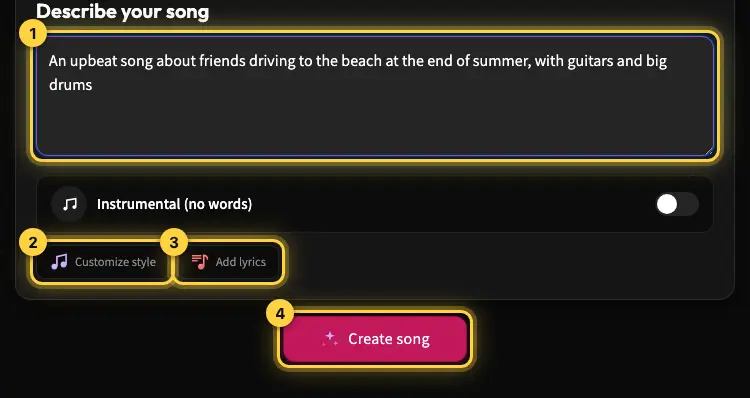
On the create page, turn on "Instrumental (no words)". In the Style field, describe the mood and instruments you want. For example: "calm lo-fi for studying, soft piano, gentle drums, warm mood". Check that the switch is on before you start.
How to steer the result
For background music, you can ask for a gentle arrangement with few changes; for a festive intro, describe an energetic tempo and brass. These are creative directions, so the result can differ between versions. Listen to both and check that the music fits how you plan to use it.
Downloading and using it outside the site
Download eligibility works the same as for songs: Premium, or a download window after buying a credit pack, as shown in your account. Separate stems and WAV downloads aren't available right now. If the music is for a commercial project, also read the usage rights guide.
Still need help?
Message us on WhatsApp and we'll be glad to help. What to include in your message