
Simple, Advanced or Sounds: which should you choose?
Pick your starting point based on your idea and what you already have.
Simple mode: start from a description
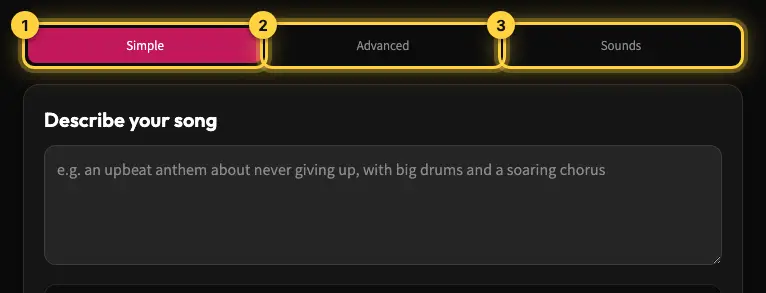
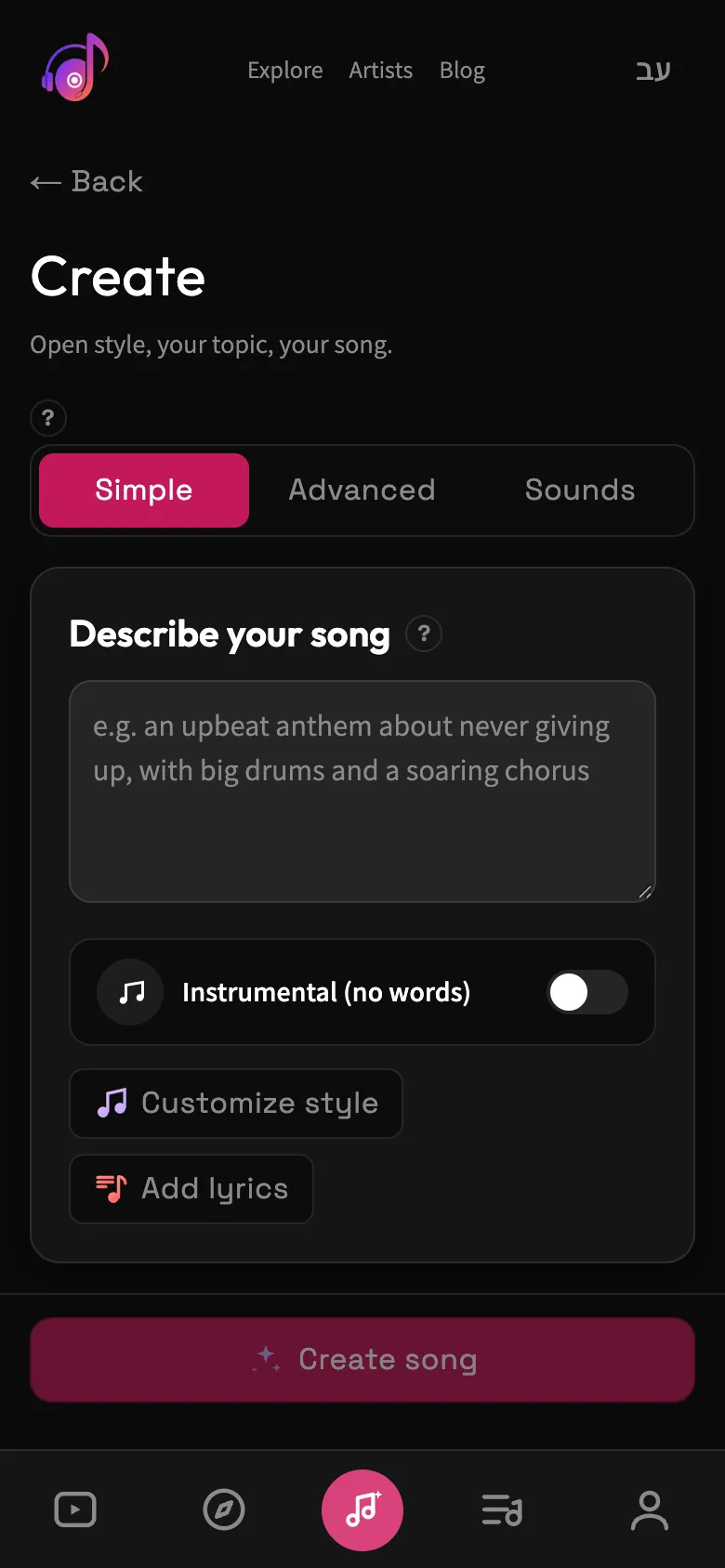
Good when you have an idea and want to get to a song quickly. Write a short description in the "Describe your song" box, and Kleep splits it into style and topic, writes lyrics and picks a name. This mode also has the "Instrumental (no words)" switch. The Customize style and Add lyrics buttons take you to Advanced mode, and your description comes with you.
Advanced mode: everything in its own place
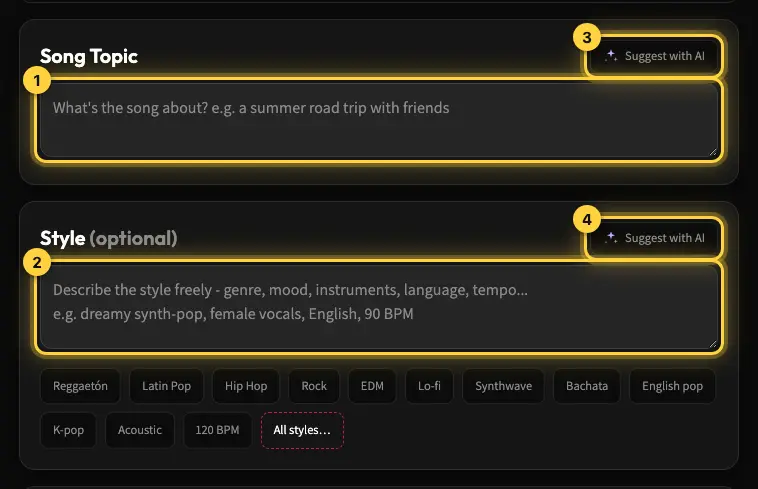
Good if you want to set the topic, style and lyrics separately. Song Topic describes what the song is about. Style describes the genre, mood, instruments and voice. In the Lyrics box you can type, paste, upload a file or get help from AI. If you leave it empty, the lyrics are written from the topic. A song name is optional. The Instrumental switch is for music without singing.
Sounds mode: start from an audio clip
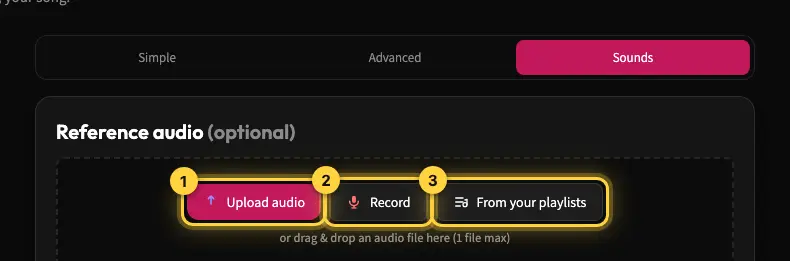
Good if you already have a recording, beat, loop or song of your own. Upload a file or record with your microphone, describe the clip and choose how it should shape the result. You can work only from the text and style picked up from the clip, or let the audio also shape the musical feel. This doesn't promise an exact copy of the voice or melody.
Before you create
You can switch between modes before you create. Check the lyrics, the language and the cost shown. On the English site, AI-written lyrics come out in English by default. For another language, name it in your description or style. The lyrics language switch only appears when the site is set to Hebrew. Once a song is produced, musical changes take a new creation or a remix.
Still need help?
Message us on WhatsApp and we'll be glad to help. What to include in your message