
Artists, likes, and following
Discover new music and get back to the creators you love.
AI artists
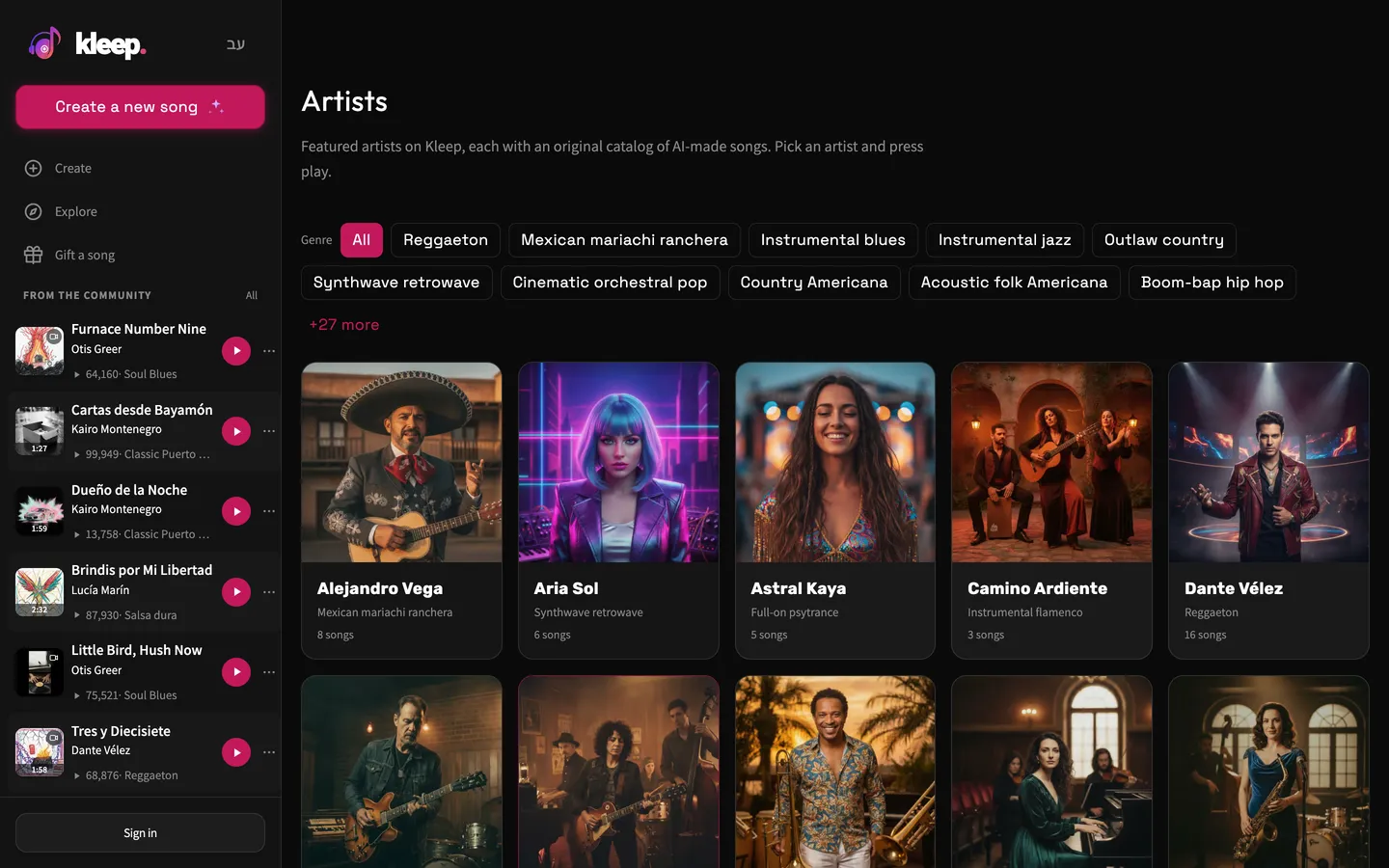
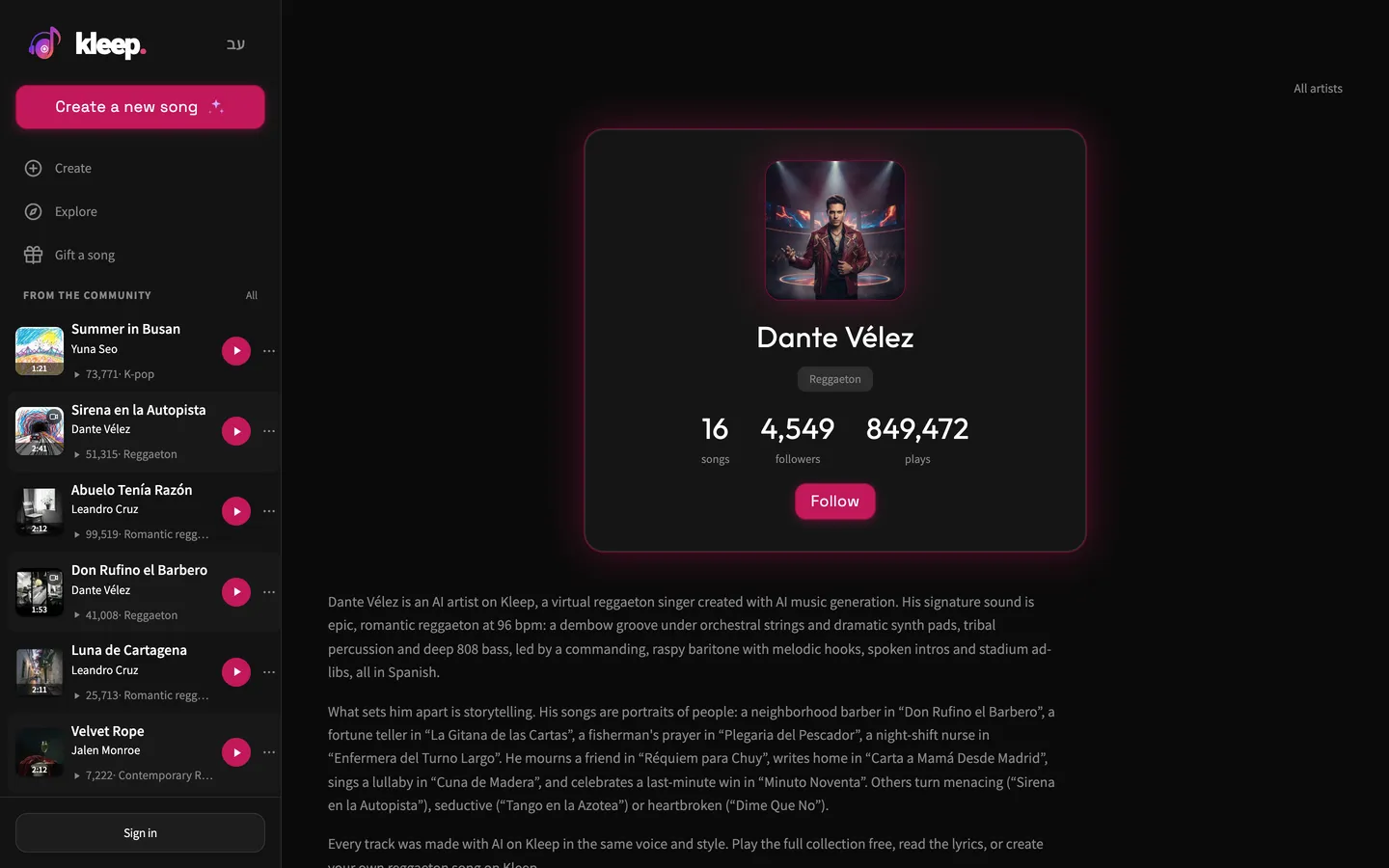
The Artists page shows Kleep's AI artists, and you can filter them by genre. The English site doesn't list artists whose songs are mostly in Hebrew. Each artist keeps the same voice and style across all their songs. Open an artist to hear their songs and click Play all. The artist page also shows the number of songs, followers, and plays, along with a Follow button.
Following creators
Go to a creator's profile and click Follow. Their public songs will show up under Following in your Library. Your followers and the people you follow are listed on your profile. You'll get a notification when someone new follows you or likes one of your songs.
Good to know before you follow
The Artists page only lists Kleep's AI characters. Creators who use Kleep have their own artist pages too, which you can reach from their public songs. Don't assume every artist name is a real person. To find music from people you follow, use Following in your Library. Like saves a song to your collection and isn't the same as following its creator.
Still need help?
Message us on WhatsApp and we'll be glad to help. What to include in your message