
The player and Live Lyrics
Control playback, jump between lines, and see what's playing next.
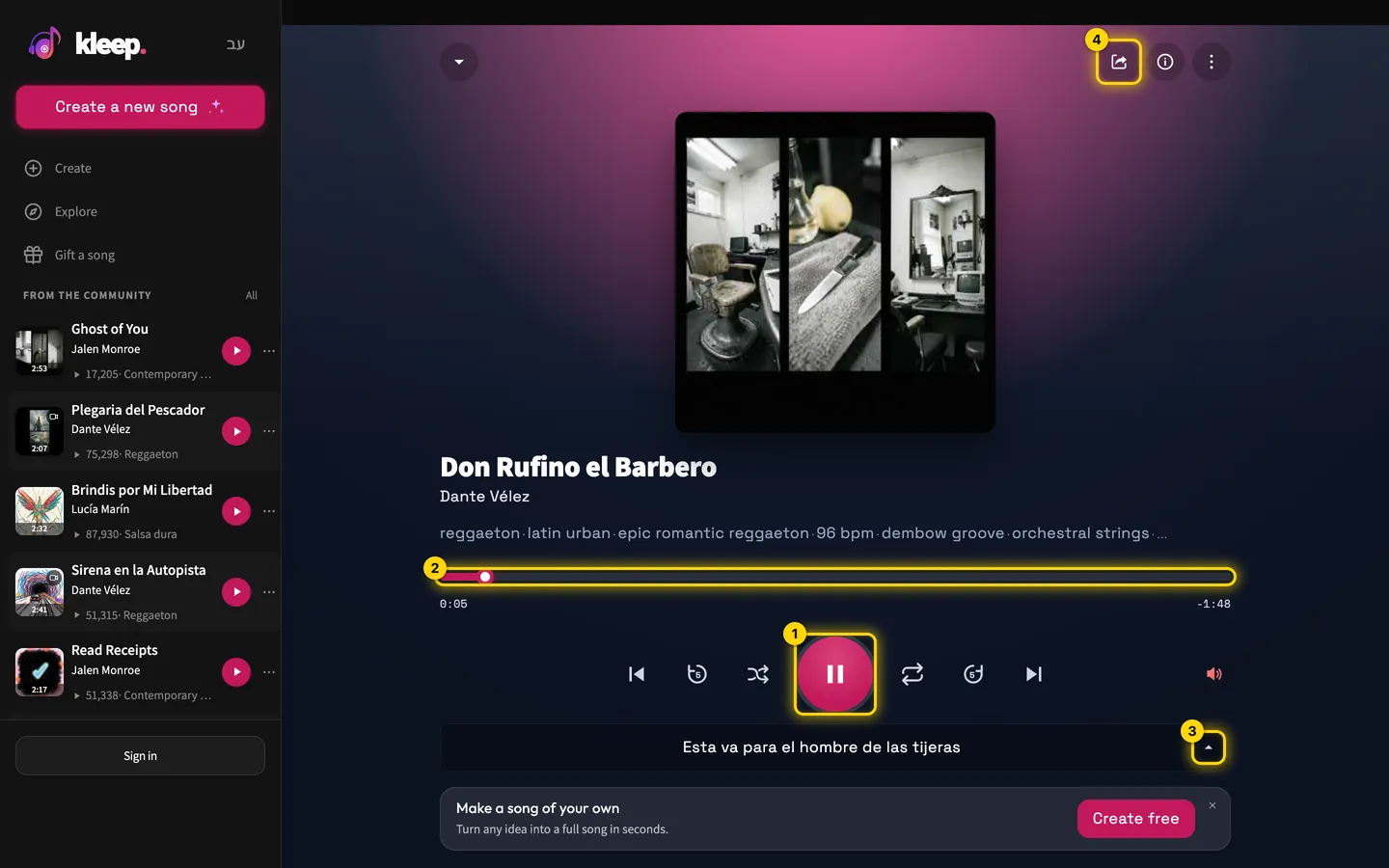
Player controls
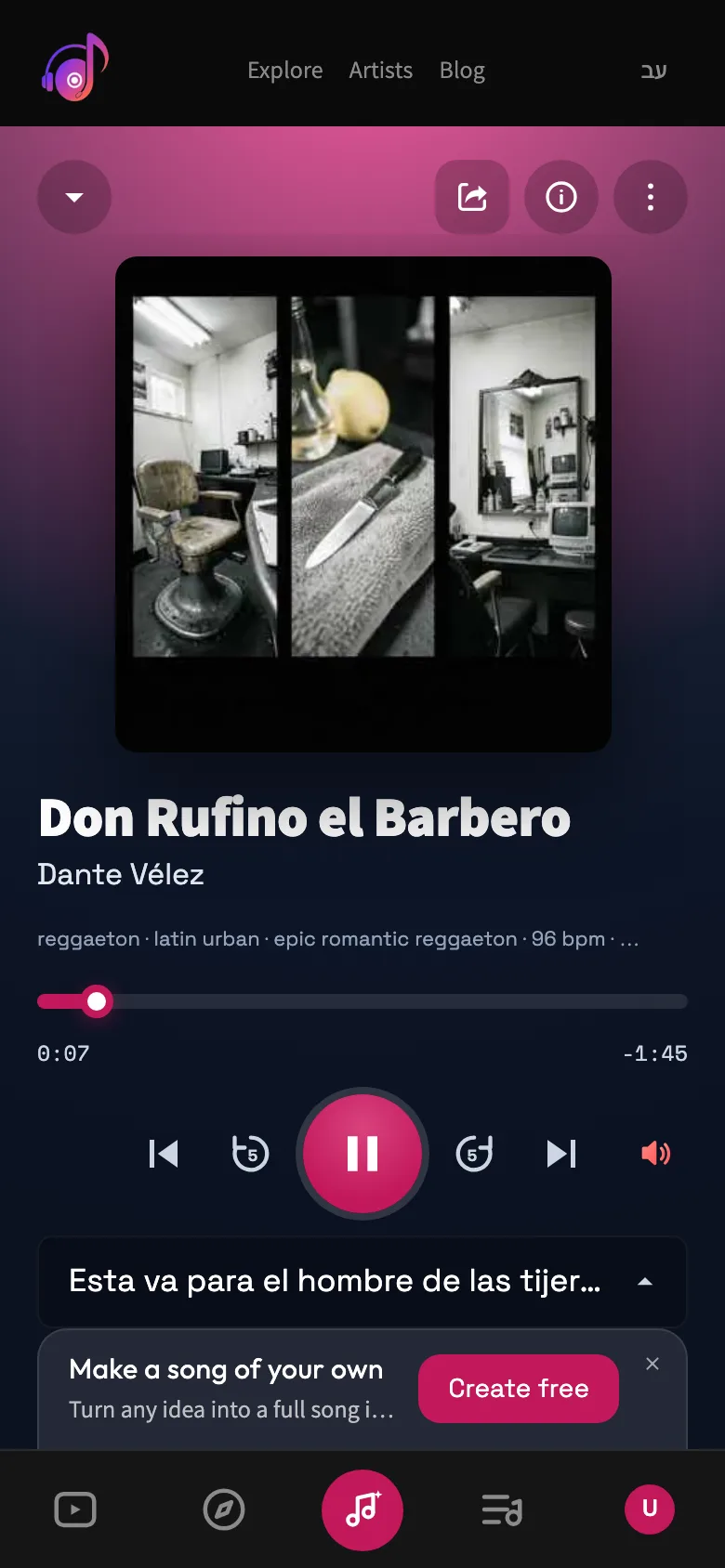
You get Play/Pause, Previous and Next, plus Shuffle and Repeat (Repeat all or Repeat one). Queue shows what's coming up. The Back 5 seconds and Forward 5 seconds buttons skip 5 seconds in either direction, and you can also drag the progress bar to any point. Like saves the song to Liked Songs, and Add to playlist adds it to a playlist. Share, Download, and Remix this song are one click away.
Live Lyrics
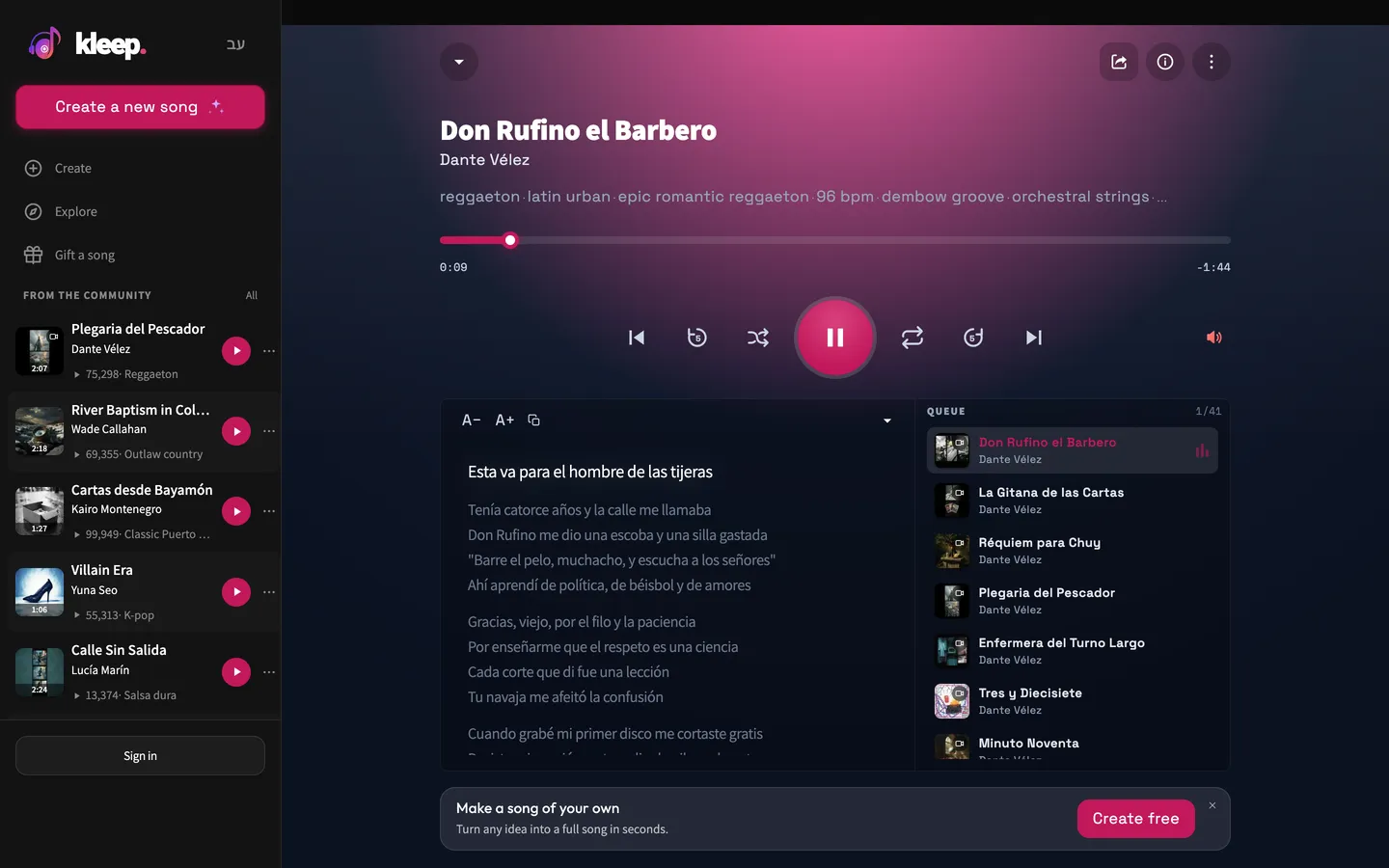
Open Live Lyrics to see the lyrics highlighted line by line as the song plays. Click a line to jump to that spot in the song, and use the size buttons to make the text bigger or smaller. Copy lyrics copies the lyrics to your clipboard. For most songs, the timing comes from the vocal recording itself. When exact timing isn't available, the lyrics are placed by estimate, so they may drift a little. The full lyrics follow along as the song plays.
When the singing and the text don't match
If you see Syncing lyrics…, the timing is still being prepared. Above the lyrics you can see whether the timing is based on Real timestamps or Estimation fallback. With an estimate, the highlight can run a little early or late. If all the lyrics are consistently early or late, use the - and + buttons next to that label to shift them by half a second per click, and click the number between them to reset. Listen closely to work out whether the problem is the timing on screen or the sung word itself. A mistake in the singing is a pronunciation issue, while a highlight that's out of step is a sync issue.
Downloading or sharing while you listen
You can get to the song's actions right from the player. Before you download or copy the link, make sure it's the version you want. A link lets people listen on the song page, while an MP3 file is saved to your device if your plan allows downloads. Both are covered in their own guides: Share a song and Download a song.
Still need help?
Message us on WhatsApp and we'll be glad to help. What to include in your message