
Credits: cost, balance and history
What creating a song costs and how to check what happened to your balance.
How much does a song cost?
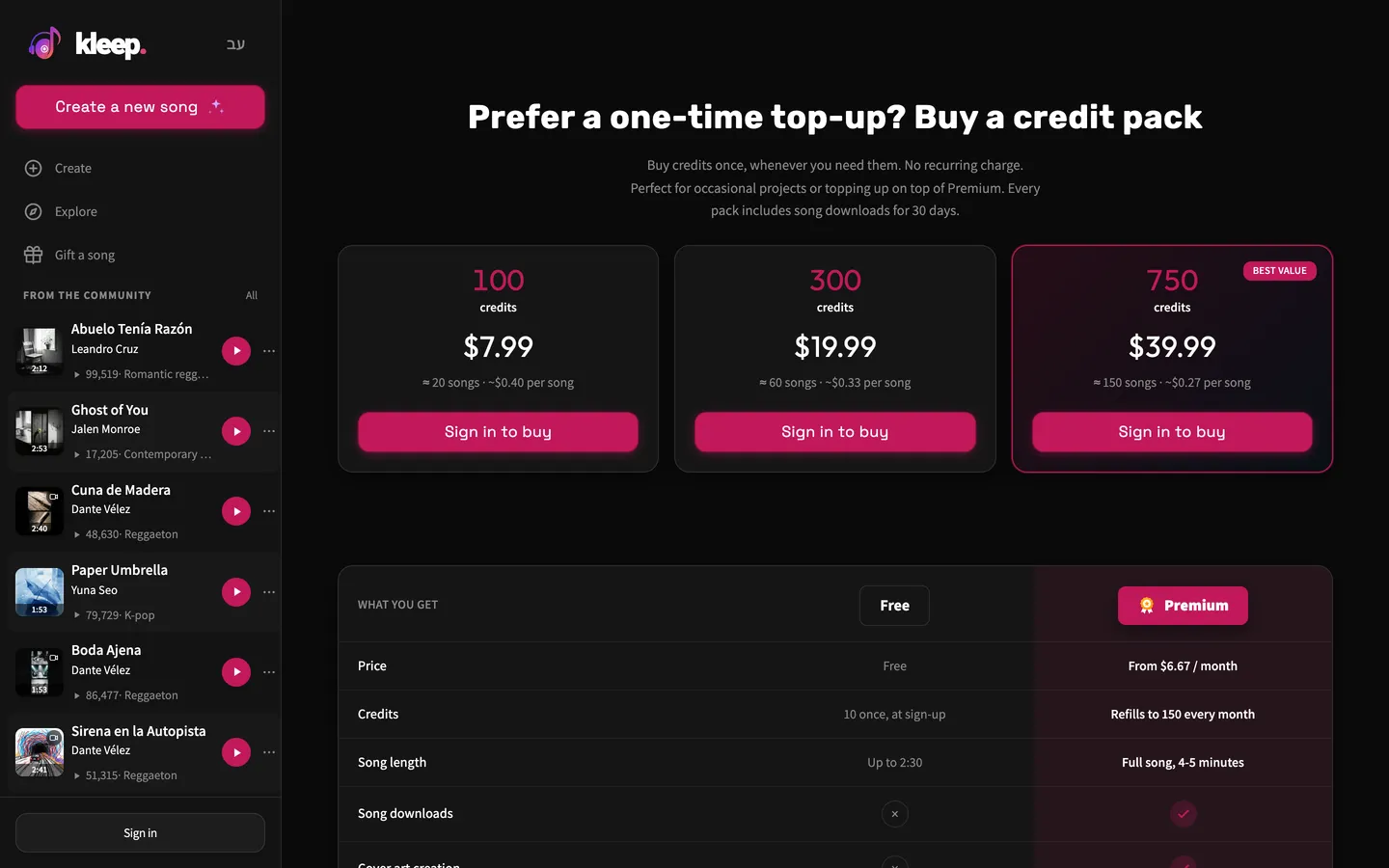
Every creation costs 5 credits and gives you two versions, including when you start from an audio clip in Sounds mode. A remix is a new creation and also costs 5 credits, and so do "Extend song" and "Create" on a song that has lyrics but no audio. Writing and improving lyrics with AI doesn't cost credits. Neither do cover art and lyric videos, which are available with Premium. A new account gets 10 credits once, at sign-up. The bonus is given once per person and device, and isn't given to temporary email addresses. If you're on a VPN or proxy, you won't get the bonus until you turn it off and refresh the page. Always check the cost shown before you start.
Where can I see my transactions?
Your balance appears at the top of the page, and "Credits history" is in your profile. The history lists entries such as "Signup bonus", "Purchase", "Subscription", "Charge" for a creation, and "Refund" when credits were returned. If your balance isn't what you expected, check your latest transactions and which account you're signed in to.
What happens when a creation fails?
Under our service policy, if a creation fails because of a problem on our side, your credits are returned automatically. Check the message on the creation and your Credits history. If a refund is promised but you don't see it, or a charge looks wrong, contact support with a link to the song and the time you tried. Don't start lots of attempts at once to test your balance.
Credits aren't everything in the product
Having enough credits lets you create, but credits alone don't give you every Premium feature. Song downloads, long songs and lyric videos each depend on having the right access. Credit packs are a one-time purchase, and Premium is a subscription that renews separately.
Still need help?
Message us on WhatsApp and we'll be glad to help. What to include in your message