
Sharing songs and privacy
A private song stays out of Explore and off your profile, but anyone with the link can listen.
Public or private
Public: the song appears on your profile, people can find it by searching Explore, and anyone with the link can listen. Private: the song is hidden from Explore and your profile, but anyone you sent the link to can still listen. New songs are private by default. Switch between the two with Make public or Make private on the song page. Before you publish a song for everyone, it's worth reading who owns it and how it can be used in the Terms of Service.
How to share a song
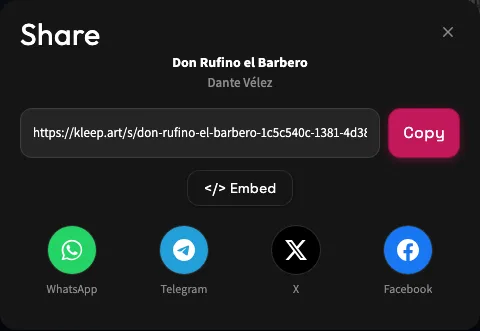
Click Share in the player, on the song's row, or on the song page. In the share window you can click Copy to copy the link, send it directly to WhatsApp, Telegram, X, or Facebook, and on a phone also tap Share… to pick another app. The link opens the song page, where people can listen even without an account. For a public song, the window also has an Embed button. Songs also look great as vertical videos - see the lyric videos guide for details.
Explore
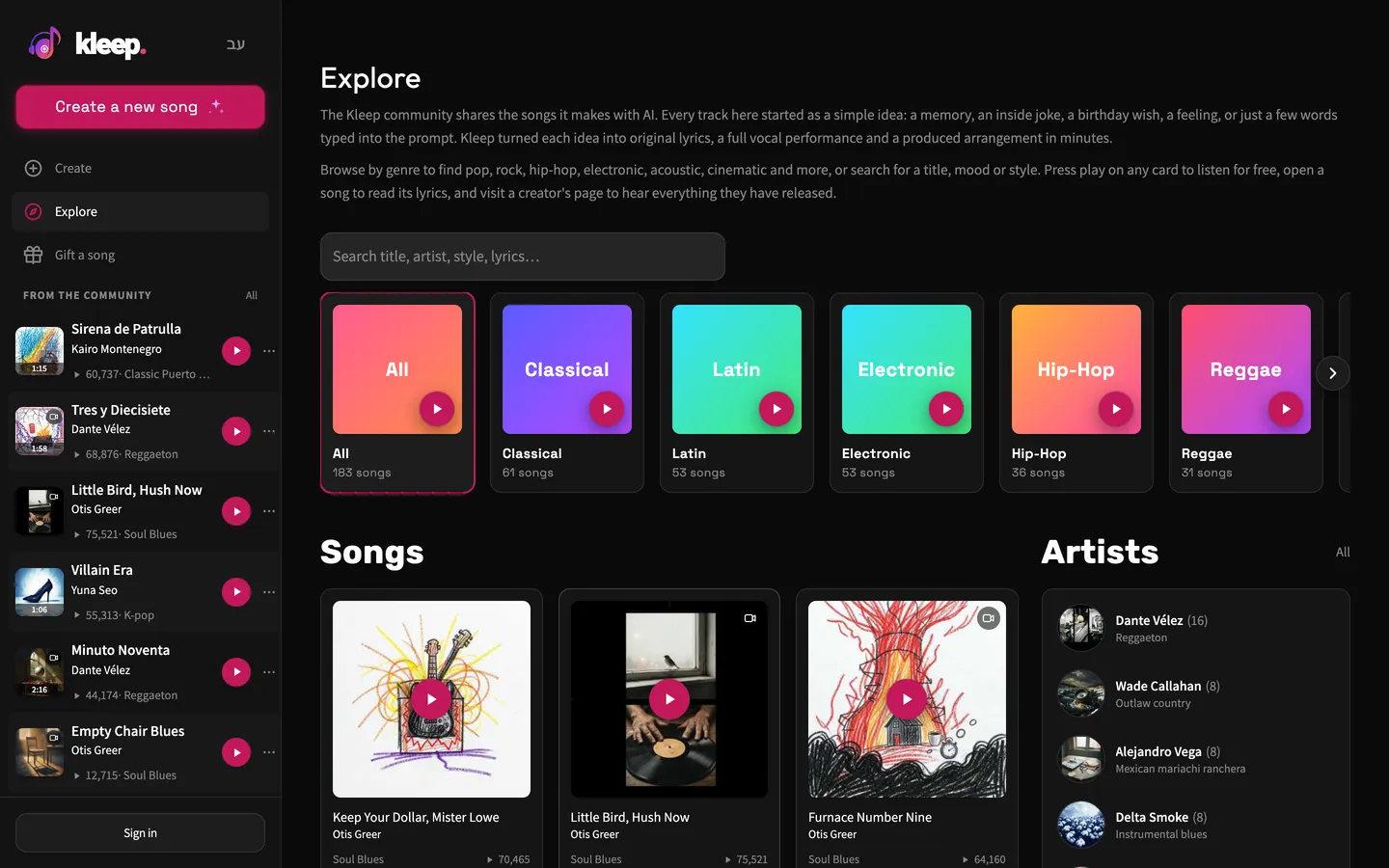
When you browse Explore, you see public songs by Kleep's featured AI artists. You can filter by genre, and search by title, artist, style, or lyrics. Search also covers public songs by other creators, newest first, so a song you make public can be found there, and a song you make private no longer can. Explore on the English site doesn't list songs in Hebrew, in browsing or in search, apart from your own songs when you search.
Before you send a link
Check the song's title, its lyrics, and any personal details in it. A private song isn't protected by a personal guest list, and whoever gets the link can pass it on. If the song is a surprise, send it only to the people who need it before the event. Making a song public also exposes it to people searching for music on the site.
Check the version you chose
Every creation includes two versions. Listen on the page you're sharing from to make sure it's the take you meant to send. If the person you sent it to can't listen, ask them to check that the whole link was copied and that there's no message saying the audio is still being produced.
Still need help?
Message us on WhatsApp and we'll be glad to help. What to include in your message