
Music for a Corporate Promo Video: How to Choose and Create a Custom Soundtrack
A corporate promo video sells your company in ninety seconds, and the soundtrack does far more of that work than most people realize. Music sets the emotional tone before a single word is spoken, tells the viewer how to feel about your brand, and carries them from scene to scene. Pick the wrong track and even a beautifully shot video feels flat or forgettable. This guide shows you how to choose the right mood, sync music to your footage and narration, avoid the generic stock-library sound, and create a fully custom, royalty-free score for your brand.
How music shapes what viewers think of your brand
Before a viewer processes your logo, your message, or your product, they have already reacted to the music. Sound reaches the emotional part of the brain faster than language, and it quietly frames everything that follows. The same footage over a warm piano feels trustworthy and human; over a driving synth it feels bold and modern; over an orchestral swell it feels established and premium.
That means the soundtrack is not decoration. It is a strategic choice that should reflect who you are. A good corporate score does several things at once:
- Sets the tone instantly - it tells the viewer how to feel in the first three seconds.
- Signals your brand personality - reliable, innovative, premium, friendly, or energetic.
- Holds attention - momentum in the music keeps people watching to the end.
- Creates emotional peaks - it lifts the moment your key message or product appears.
- Makes the whole video feel intentional - polished audio reads as a serious, credible company.
Matching mood to your brand values and pacing
The starting point is not a genre, it is your brand. Write down three or four words that describe how you want customers to feel about you, then translate them into sound. "Trustworthy and calm" points toward soft piano and gentle strings. "Innovative and fast" points toward clean electronic beats. "Human and warm" points toward acoustic guitar and light percussion.
Pacing matters just as much as mood. The tempo of the music should match the rhythm of your edit. A fast montage of product shots needs energetic music with a clear pulse; a slow, cinematic story about your founders needs space and a gentler build.
The soundtrack is the emotional voice of the brand. If the music says something different from the visuals, viewers trust neither.
Syncing music to scenes and narration
A custom score really pays off when the music moves with the video instead of just playing underneath it. Two things need room to breathe: your on-screen moments and your voiceover.
For narration, keep the music underneath the voice. When someone is speaking, the track should soften and stay out of the way of the words, then open back up in the gaps between lines. For visuals, line up the musical highlights with the moments that matter, so the energy peaks exactly when your product, tagline, or logo appears.
- Duck under the voiceover - lower the music while narration plays so every word is clear.
- Hit your key frames - align a swell or drop with your logo reveal or headline stat.
- Build toward the call to action - let the track grow so the ending feels like a payoff.
- Use quiet moments - a brief drop to near silence makes the next scene land harder.
- Match cuts to the beat - editing on the rhythm makes the whole video feel effortless.
Escaping the generic stock-library sound
The biggest problem with cheap stock music is not quality, it is sameness. The same handful of corporate tracks appear in thousands of videos, so your promo ends up sounding exactly like your competitor's. Worse, you have no control: you take the track as it is, in a length that rarely fits your edit, in a mood that is close but never quite right.
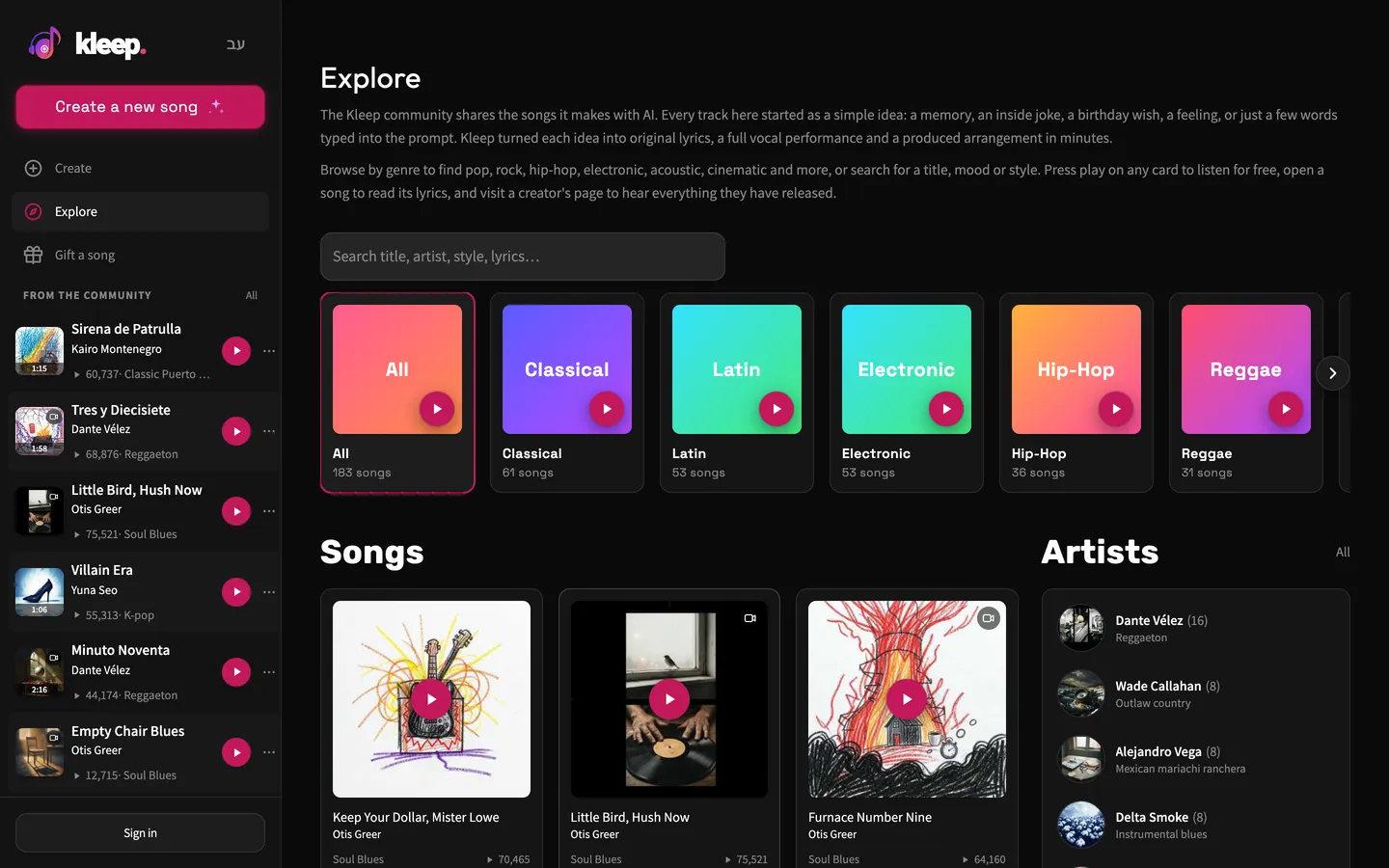
A custom soundtrack solves both problems. When the music is written for your brand and your pacing, it feels like it belongs to your video rather than to a shared library. With Kleep you describe the exact mood, style, and energy you want and get an original track built for your video, not pulled from a shared library. If you want to hear how different moods actually sound before you decide, browse Explore for ideas.
Step by step: create a custom score with AI
Here is a simple workflow from a blank page to a finished soundtrack. Open the create page and work through these steps:
- Define the brand feeling. Pick three or four words for how the video should feel - for example "confident, modern, optimistic" - and use them as your brief.
- Choose a style and tempo. Match the genre and speed to your edit, faster for energetic montages, slower for cinematic storytelling. See styles and voices for how to phrase it.
- Decide whether you need vocals. Many corporate videos work best as instrumental so the music never competes with the narration.
- Compare the two versions. Each creation costs 5 credits and returns two versions. Compare them against your actual footage rather than judging them in isolation.
- Fit the length to your cut. Kleep has no length setting, so generate a full track and trim it in your editor to fit a 30-second social edit or a 2-minute company profile. Free songs with lyrics run up to about 2:30; Premium allows longer songs.
- Place it and fine-tune. Drop the track into your editor, duck it under the voiceover, and align the peaks with your key scenes.
Working against your real footage from the start saves time. A track that sounds great on its own can feel wrong over your video, and the only way to know is to test them together.
Lengths, versions, and reusing your soundtrack
One promo video is rarely the only cut you need. From a single brand score you can create versions for every place your company shows up, and because custom production is fast and affordable, there is no reason to settle for one.
Common versions worth producing:
- A full-length track for the main company profile video.
- A 15 to 30 second cut for social media and paid ads.
- A short 5 to 10 second sting for intros, outros, and logo reveals.
- A calm, looping background version for trade-show screens or your website.
- A higher-energy variation for recruitment or product-launch videos.
Reuse is the other advantage. Music you create is royalty-free, with no per-video licensing headaches. Kleep assigns you any rights it holds in your songs, and commercial use is allowed on every plan, including free credits. Purely AI-generated music may not be protected by copyright, and uniqueness is not guaranteed (terms). Premium refills your balance to 150 credits each month, which is 30 creations, so producing every cut above is realistic; see pricing. For a social cut with lyrics, Premium can also render a lyric video of your own song.
Need a sonic logo too? Read how to make a business jingle, or score paid spots with our guide to commercial music without a studio. The bigger licensing picture is in our guide to commercial use of AI music. Ready to give your next video a soundtrack that sounds like your brand? Open Kleep and start scoring it now.
Frequently asked questions
What kind of music works best for a corporate promo video?
Music that matches your brand values and your edit. Translate three or four brand words into sound: "trustworthy and calm" points to soft piano and gentle strings, "innovative and fast" to clean electronic beats, "human and warm" to acoustic guitar and light percussion. Then match tempo to pacing: energetic with a clear pulse for a fast product montage, slower with room to build for a cinematic founder story.
Should the music in a company video have vocals or be instrumental?
Instrumental in most cases. Corporate videos usually carry a voiceover or on-screen text, and sung lyrics compete with the message for attention. An instrumental track can be ducked under the narration and opened back up between lines without losing anything. Vocals make sense only for a short brand anthem or a social cut with no narration, where the lyrics themselves are the message.
How do I sync background music to the narration and scenes in a promo video?
Lower the music whenever someone is speaking and let it swell in the gaps, so every word stays clear. Line up musical peaks, a swell or a drop, with the moments that matter: the logo reveal, a headline statistic, the product shot. Build the track toward the call to action so the ending feels like a payoff, drop to near silence briefly before a key scene, and cut on the beat.
Why does stock music make corporate videos sound generic?
Because the same small pool of popular library tracks appears in thousands of videos, so your promo ends up sounding like your competitor's. You also take the track as is, in a length that rarely fits your cut and a mood that is close but never exact. A track generated for your brand and pacing fits your video instead of carrying a sound viewers already know from elsewhere.
What lengths of music do I need for a company profile video?
Plan for several cuts from the same brand score: a full-length track for the main profile video, a 15 to 30 second version for social media and paid ads, a 5 to 10 second sting for intros, outros and logo reveals, a calm looping bed for trade-show screens or your website, and a higher-energy variant for recruitment or product launches. Kleep has no length setting, so trim each cut from a full track in your editor rather than fading one file early.
Can I reuse an AI-generated soundtrack across all my company's videos?
Yes. Music you create yourself is royalty-free and commercial use is allowed on every plan, with no per-video licensing. Kleep does not guarantee uniqueness, but you avoid the common problem of a stock track someone else also bought. MP3 download comes with Premium, or for 30 days after buying a credit pack (credits and Premium); keep the files so you can cut new versions later. For a brand, that consistency is an asset: the same musical identity across ads, profile video and website makes the company feel deliberate.
About the author
Kleep Editorial TeamAI music guides and product team
The Kleep editorial team builds and tests Kleep's AI song generator every day and writes practical, hands-on guides to creating songs with AI in English and Hebrew.
Keep reading
Free AI Music for Commercial Use: Where to Get It and What You Can Do With It
Is free AI music safe for your business videos, ads and content? This guide explains commercial use plainly and shows how to make original tracks with Kleep.
How to Create Music for a Commercial Without Paying for a Studio
Produce social and web ad music with AI: match your brand and ad length, use it commercially, and skip the studio. A practical step-by-step guide.
How to Create Meditation, Sleep, and Focus Music with AI (A Practical Guide)
What makes calm ambient music work and how to prompt AI for meditation, sleep and focus tracks: long, loopable and royalty-free.